Summary: In this blog, we will explain how to export emails from Rackspace to MBOX file format. If you also want to save your Rackspace emails in a desktop-based file format, this post will provide you with a quick and secure solution to your request. Read on and know the step-by-step process for conversion.
Table of Content
Quick Fix: You must try the Rackspace Backup Tool to convert Rackspace to MBOX file format instantly. It allows you to export emails from all folders including attachments without changing any information. You can download it on any Windows operating system and start transferring Rackspace emails to MBOX format and access your emails in Thunderbird or other email clients.
Rackspace vs MBOX File Format
Rackspace is a web-based email service, a managed cloud computing company. Users can access and manage their email accounts from the web browser without having to set up an email client such as MS Outlook. Rackspace Webmail is typically used by businesses and organizations that require a secure, reliable, and scalable email service.
It offers some useful features such as:
- Read and compose emails
Manage contacts - Use folders to organize messages
- Offers a user-friendly interface
- Multiple language support
On the other side, MBOX is a mailbox file format used for storing email messages. It is the standard format used by many email clients such as Mozilla Thunderbird, Apple Mail, Outlook, SeaMonkey, Pocomail, etc. MBOX stores all messages in one file along with metadata such as sender, recipients, subject, and date.
MBOX is a widely used file format for backup and archival purposes, importing and exporting emails between different email clients. This is a plain text file. This means it can be easily read and edited in any text editor.
Overall, the MBOX format is widely supported and versatile, making it widely used for storing and forwarding email messages.
Best Way to Export Emails from Rackspace to MBOX
To export Rackspace emails to MBOX format, there is no inbuilt option in Rackspace webmail. To accomplish this task, you need an automated tool like Yota Email Backup Wizard. This helps you to convert all your emails from your Rackspace account to the MBOX file in a single attempt.
It is also very useful if users need to convert only necessary emails from the Rackspace web account. The software offers a filter option by which you can search emails by a specific keyword and export only selective emails. Moreover, it is a completely secure tool that does not even change and lose a single piece of information while conversing.
The software makes the conversion easy even for non-technical users due to the simple and user-friendly interface. Whether you have technical skills or not, the tool will help you to smoothly export emails from Rackspace to MBOX file format in a few simple clicks. Also, it helps you to export Rackspace email to PST file, Rackdpace to PDF documents, Rackspace to CSV file, and Rackspace to EML format.
To start conversion, download the tool on your laptop or PC. After that follow the below-mentioned steps to achieve this.
Steps to Export Rackspace Emails to MBOX Format are as follows;
Step 1. Install and run the tool on your PC. Then click on the Open tab from the top.
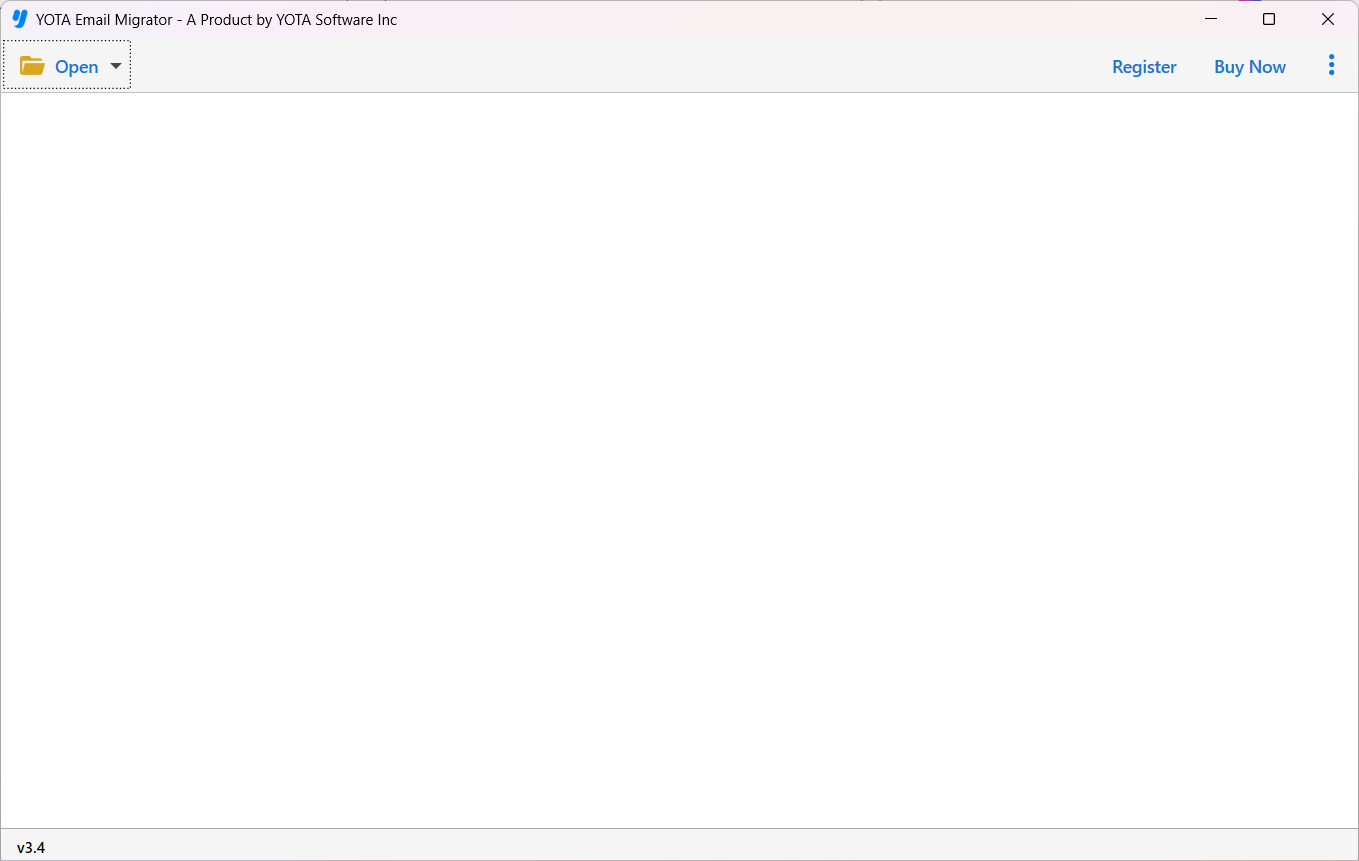
Step 2. Now, select Email Accounts and click on Add Account.

Step 3. Enter login details of Rackspace email account.

Step 4. Then click Export and select MBOX from the multiple saving formats.

Step 5. Now, pick a folder to store MBOX and hit the Save button.

Once you click save, the conversion will start immediately. It also shows a live progress report and status. Upon completion, you will receive a message on your screen. Click OK and review the exported file from the selected location.
Why Do Users Need a Rackspace Conversion Tool?
There are multiple reasons or you can say benefits of choosing this software to export emails from Rackspace to MBOX. It comes with multiple great features by which users can complete this conversion as per their needs. Some of the highlighted features are:
- Easy Access: You can use it without any technical expertise due to its user-friendly interface. Any non-technical person just needs to download and install the software, provide Rackspace account credentials, select MBOX as the saving format, and your conversion process will begin immediately.
- Convert All Folders: The software allows you to export Rackspace emails to MBOX from all folders or only selected folders. After adding the Rackspace webmail, you can select the folder from which you want to export emails.
- No Size Limitations: It enables you to export as many emails and any size of emails from the Rackspace account. You can even convert multiple Rackspace emails at once without any loss of data.
- Support Multiple Services: The tool also helps you to migrate email from Rackspace to Gmail or G Suite, Rackspace to AWS, Rackspace to IMAP, Rackspace to Office 365 account, Rackspace to Thunderbird, and more.
Final Verdict
The above blog has discussed the fast way to export emails from Rackspace to MBOX file format. Here we recommend the safe and tested email conversion tool to help you export Rackspace emails to MBOX format with all attachments. So, download the tool on any Windows version and start the conversion.


